
How to Setup Linktree

Step 1.
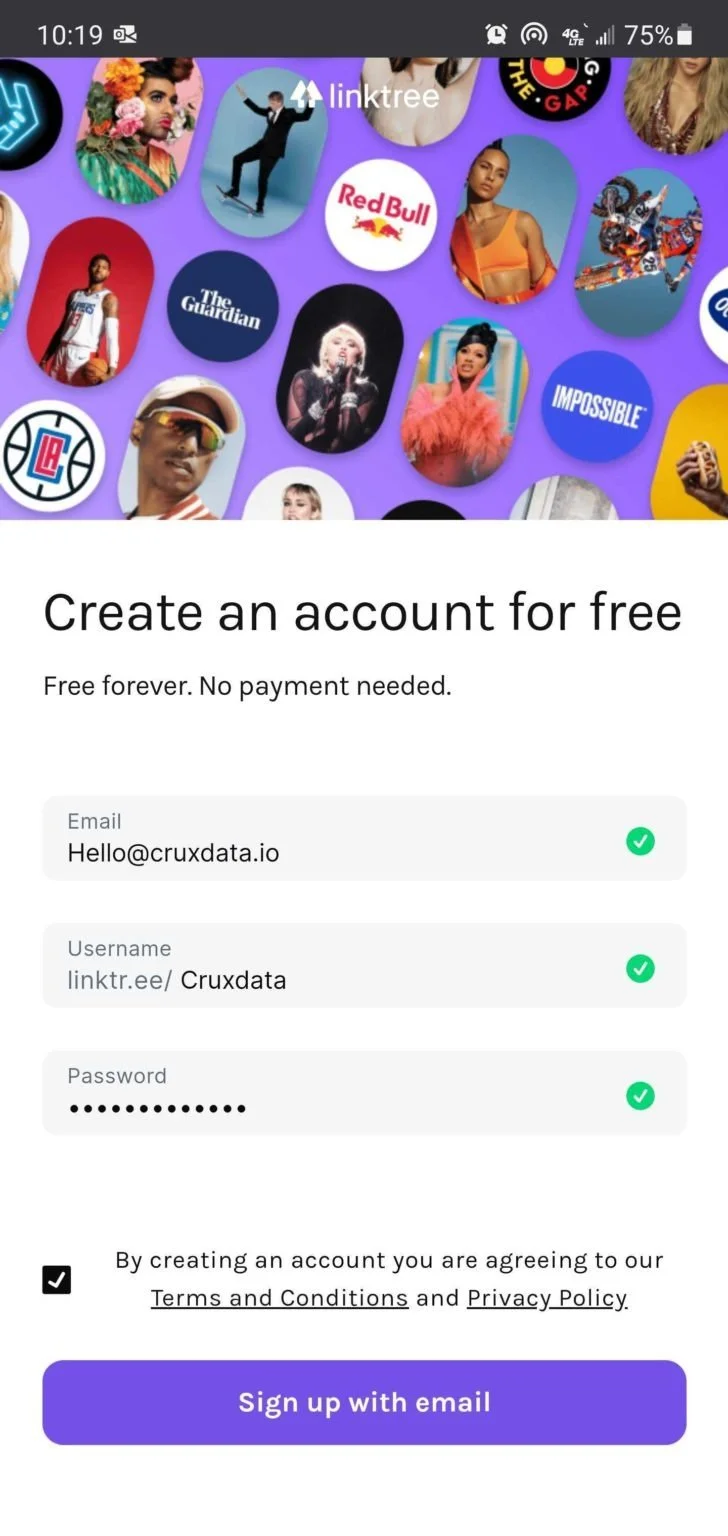
First, head to https://linktr.ee to create your free account.
Step 2.
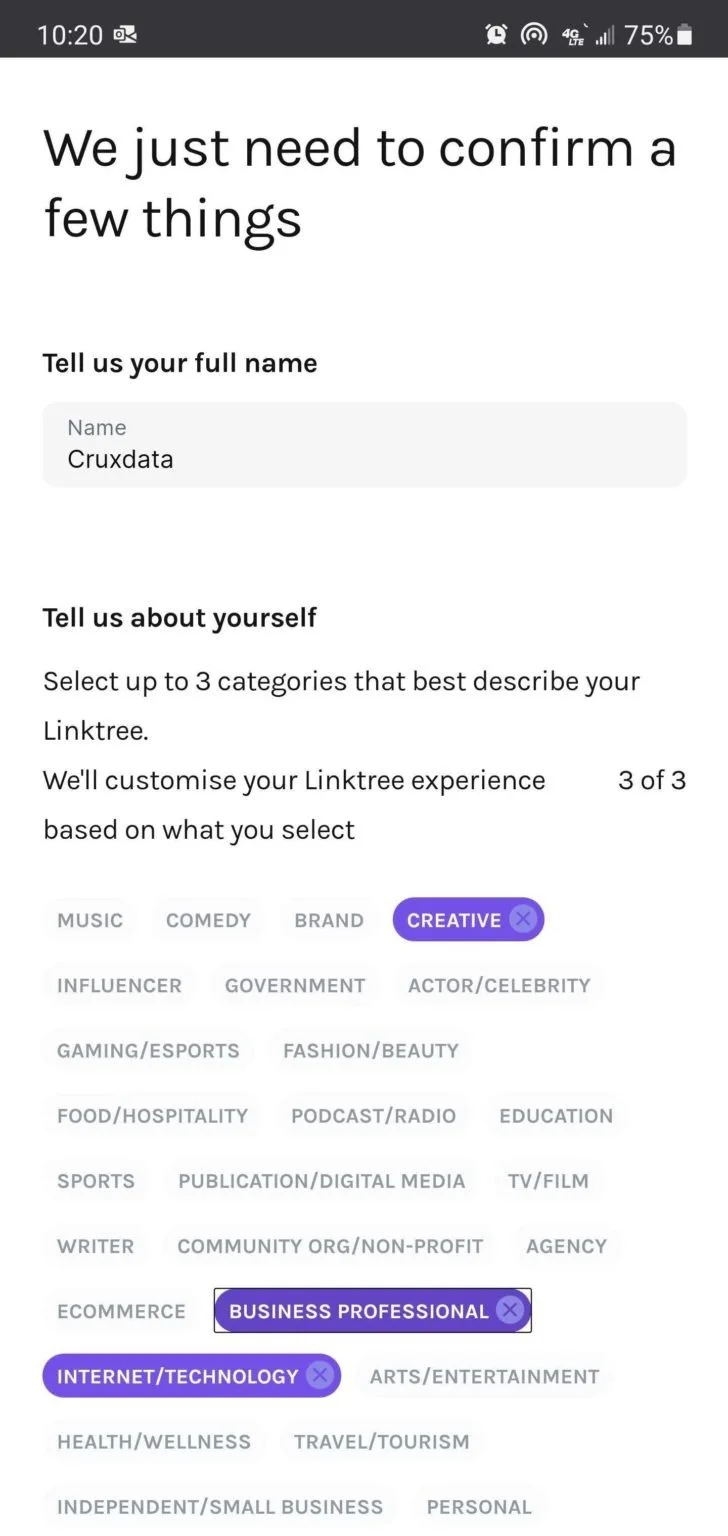
Enter your business email, your username, and your password. Accept terms and conditions, then click “Sign up with email”
Step 3.
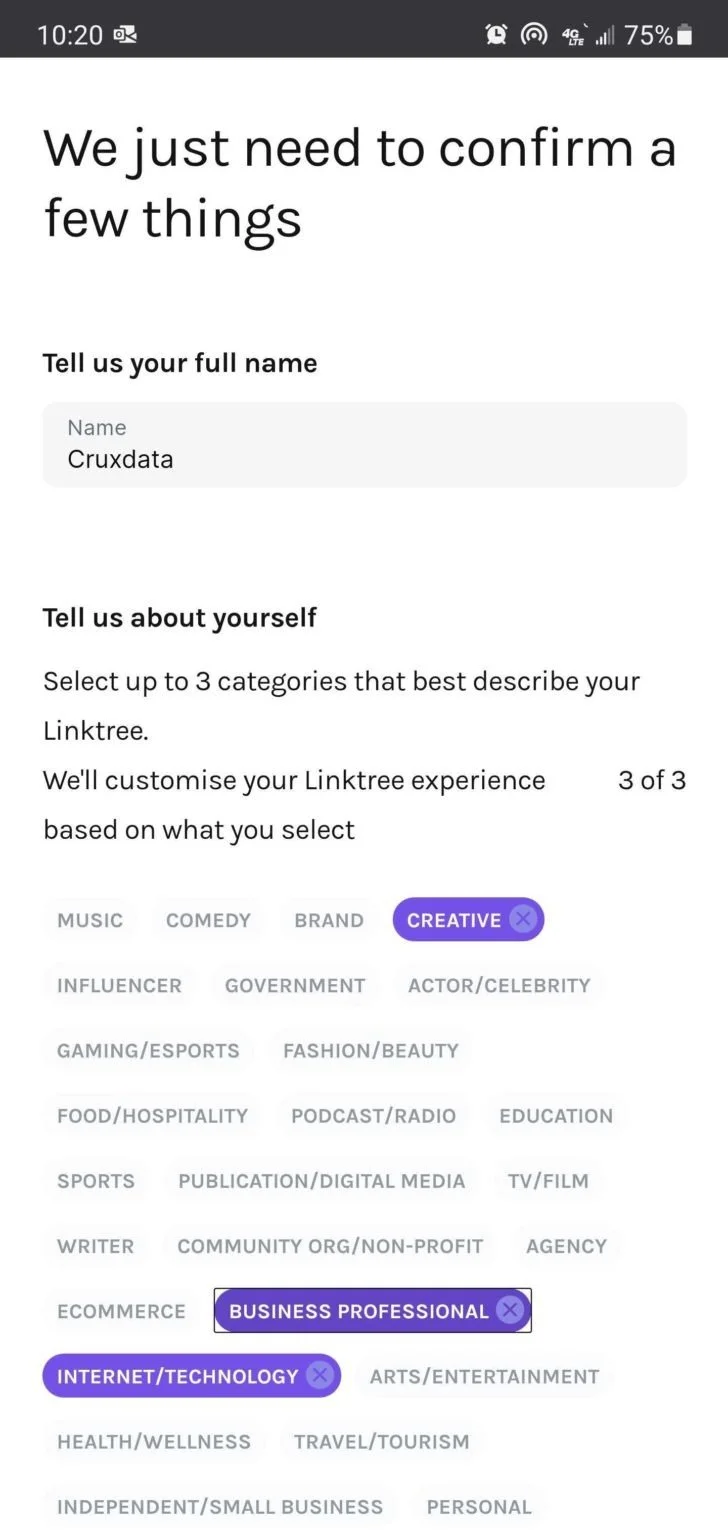
Enter your full name, and select a couple of categories that describe your business
Step 4.
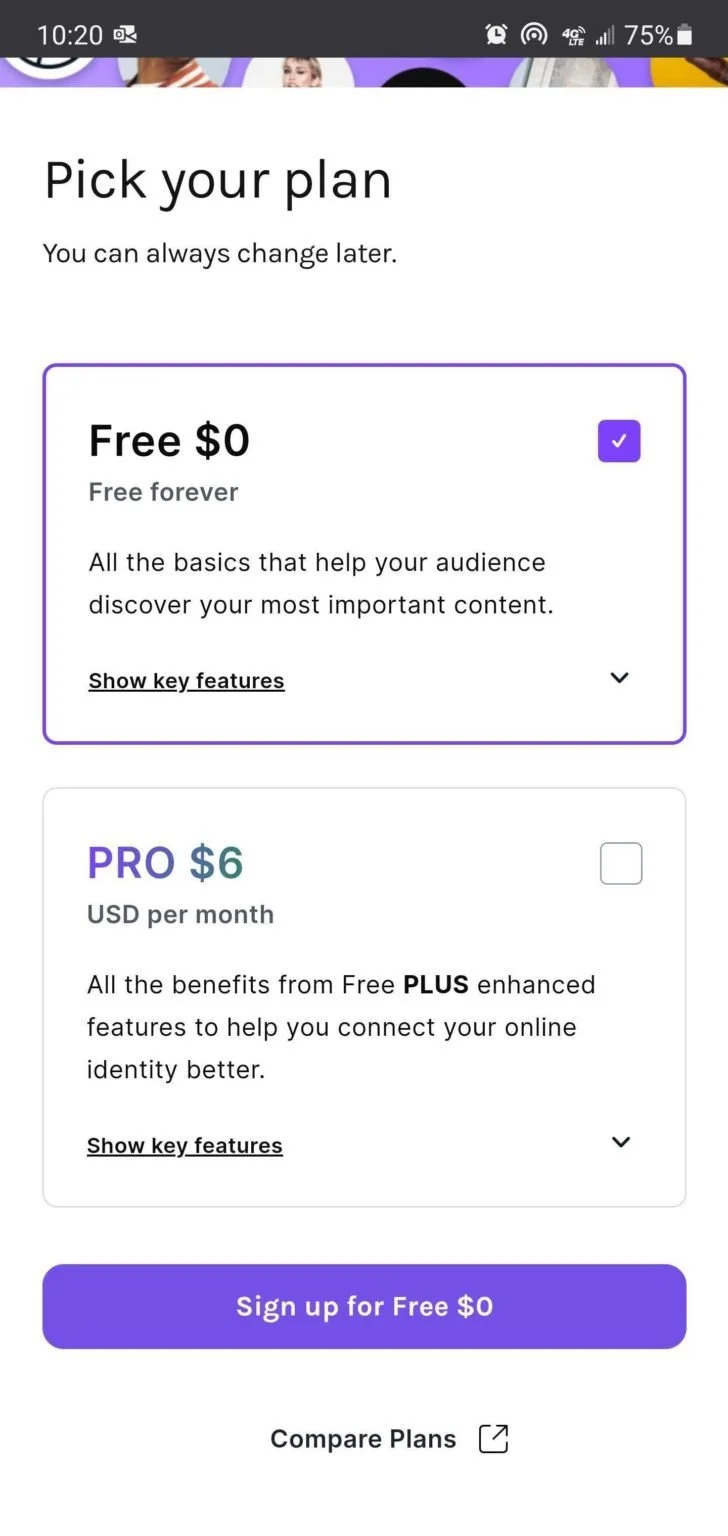
Select the Free plan. It will have all the features you need, and you can always upgrade later.
Make it stand out
Step 5.
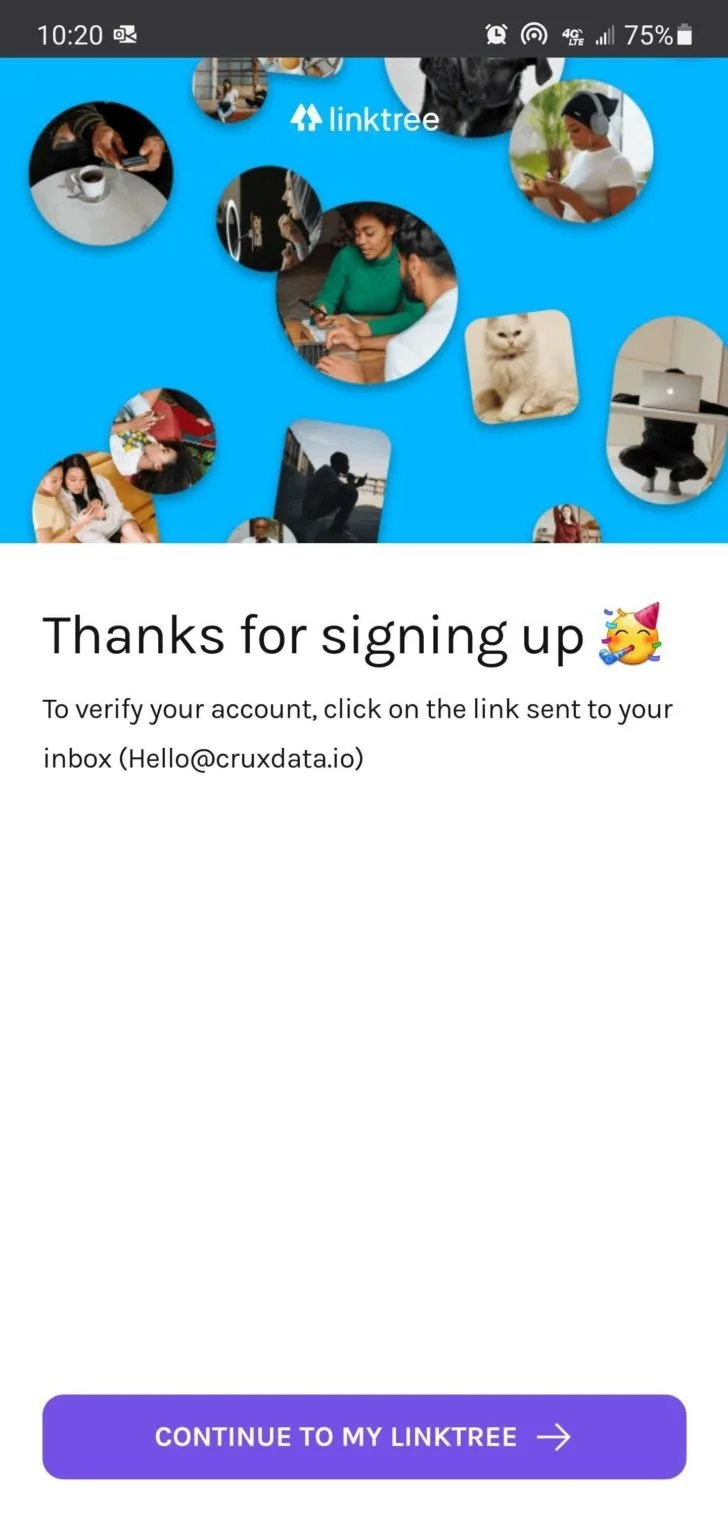
Check your email for a verification. Click continue
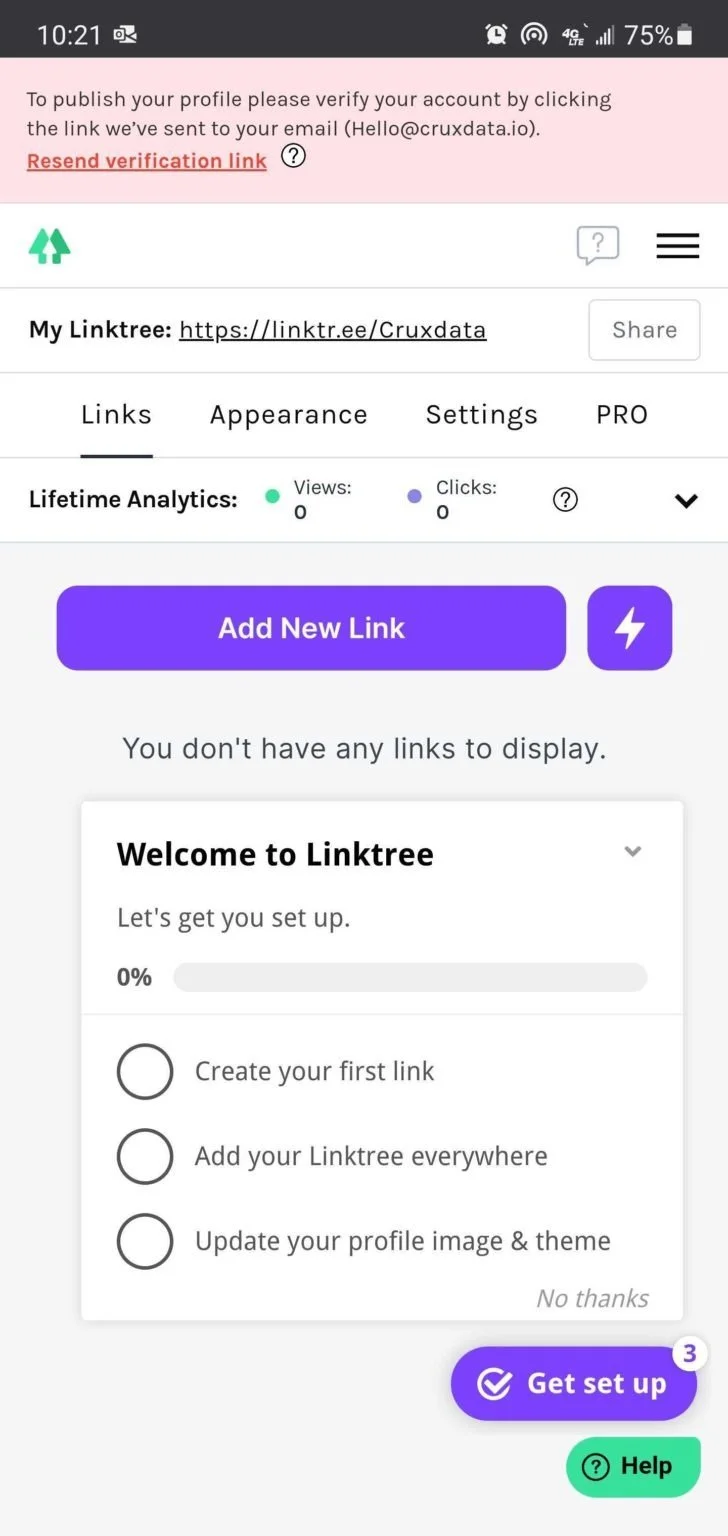
Step 6.
Click the purple “Add New Link” button in the center of the page
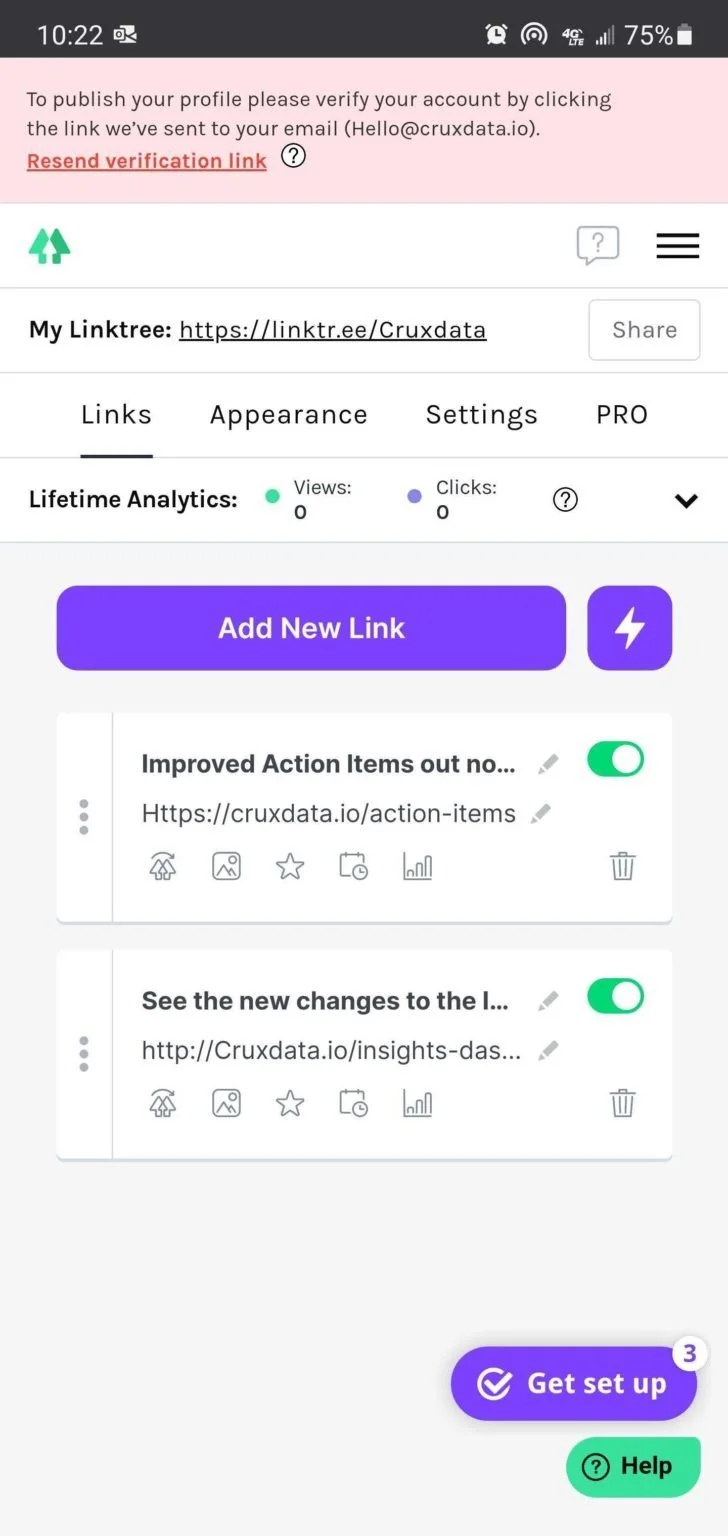
Step 7,
Create links that correlate to your recent Instagram posts. Simply add a title and a URL

Step 8.
Select “Share” in the top right, and then select “Copy my Linktree URL”